Menu
  • Welcome
  • Account
    • Portal Access
    • Logging in
    • Registration
    • Email Verification
    • Account Approval
    • Profile Management
  • Chat
    • General Information
    • E2E Encryption
    • Rooms and Spaces
    • Editing Your Chat Profile
  • Cloud
    • General Information
    • Group Folders
    • WebDAV Client
  • Groups
    • General Information
    • Types of Groups
    • Requesting Access
  • Welcome
  • Account
    • Portal Access
    • Logging in
    • Registration
    • Email Verification
    • Account Approval
    • Profile Management
  • Chat
    • General Information
    • E2E Encryption
    • Rooms and Spaces
    • Editing Your Chat Profile
  • Cloud
    • General Information
    • Group Folders
    • WebDAV Client
  • Groups
    • General Information
    • Types of Groups
    • Requesting Access

Portal Login and Registration

Users can access the login page in two ways:

  1. Using the login button in the header
    Click the Login button in the top right of the portal.

Portal Access Login Button
  1. Opening any web application in a browser
    Navigating to a webapp will also redirect you to the login page.
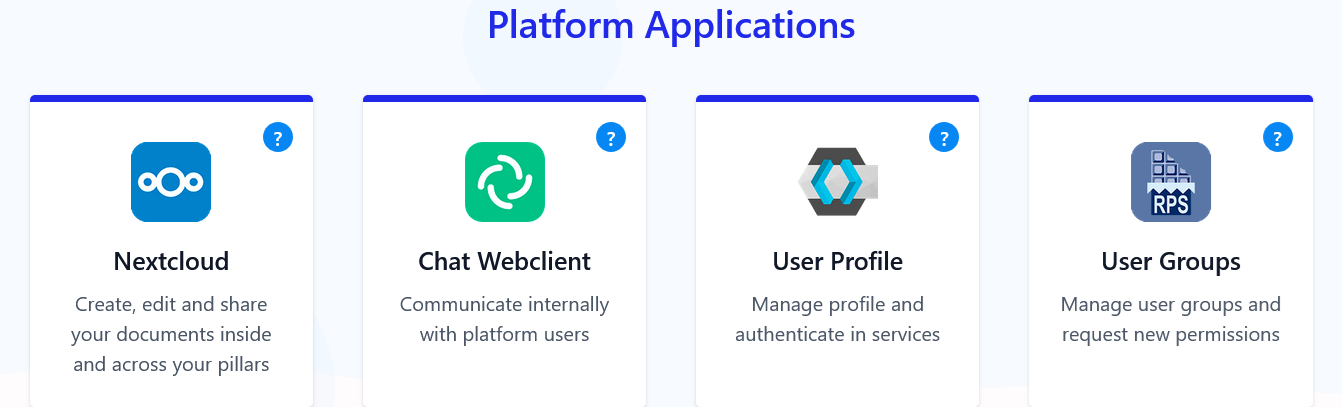
    Platform Applications
    Platform Applications
    For example, you will be asked to log in once you open the Chat application: EVH Chat
Footer Logo
© 2026 EVH. All rights reserved.
↑