Requesting Access to Open Groups
Open groups in the EVH allow any registered user to join without requiring manual approval. To request access to an open group, follow these steps:
- Navigate to the Groups Interface: EVH Groups
- Locate the open group you wish to join from the list of available groups.
- Press the request access button to join the group.
After joining, you will gain access to the resources associated with that group within the next synchronization cycle.
Requesting Access to Closed Groups
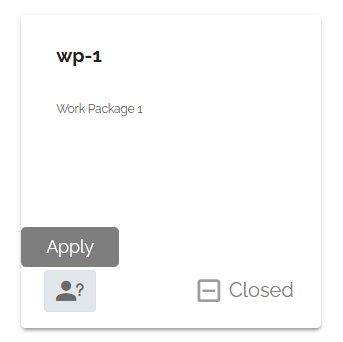
In the EVH, closed groups require manual approval from a group manager before you can join them. To request access to a closed group, follow these steps:
- Navigate to the Groups Interface: EVH Groups
- Locate the closed group you wish to join from the list of available groups.
- Press the request access button to submit your membership request.
After submitting your request, a group manager will review your application. You will be notified via email once your request has been approved or denied.
What if my request is denied?
If your request to join a closed group is denied, you may contact the group manager for further assistance or clarification regarding the decision.
What if my request is pending?
If your request to join a closed group is pending for an extended period, you may contact the group manager directly for an update on the status of your application. The contact information for the group manager can often be found in the group description within the Groups Interface. If you cannot reach the group manager, please contact the support team at support@europeanvaccineshub.org for assistance.